A Reddit NSFW viewer is a tool that shows NSFW subreddit media (videos, GIFs and galleries) one post at a time, full screen, without the comments and text posts around them. The best ones in 2026 give you a vertical feed you can swipe, switch subreddits in one tap, play galleries inline, and work without an account. Reddclips does all four in any browser. If you already live in the Reddit app, the official app with mature content turned on is the fallback, though setting it up has more steps than it used to.
TL;DR
- Quickest option: open Reddclips on your phone, add /r/ and a subreddit name to the address, and swipe. No account, no install.
- Official Reddit: works, but you have to log in and switch on "Show mature (18+) content", and on iPhone that switch only exists on the website.
- Old Reddit + RES: Old Reddit has required a login since July 2026, and RES is in maintenance-only mode.
- Infinity for Reddit: still updated, but logging in now needs a paid subscription.
- Slideshow fans: redditp.com has shut down; its successor is a browser extension.
What a Reddit NSFW Viewer Does (and the Reddit App Doesn't)
Reddit is built around discussion: a feed of cards, each with a title, a vote count and a comment thread. That layout suits reading threads. When you came to watch videos, the titles, votes and comment counts take up half the screen.
A dedicated NSFW subreddit viewer keeps the same posts and changes the layout:
- One post per screen. The video or image fills the display. Swipe up for the next one.
- Media only. Text posts and comment threads stay out of the feed.
- Galleries inline. Multi-image posts open as a swipeable set, not a link to another page.
- Fast switching. You jump between subreddits, or mix several into one feed, without going back to a menu.
- No account. You can open a feed without signing up for anything.
People search for this as a "Reddit NSFW viewer", a "NSFW Reddit scroller" or a "Reddit NSFW slideshow". The three terms overlap; a short section further down explains how they differ.
Reddit NSFW Viewers Compared (October 2026)
We checked every option below against its own website, repository or app store listing on October 22, 2026. Reddit has tightened logged-out and third-party access a lot this year, so a lot of 2024-era advice no longer holds.
| Option | Works without account | Full-screen vertical feed | Galleries | Multi-subreddit feeds | Platform | Price | Content source |
|---|---|---|---|---|---|---|---|
| Reddclips | Yes | Yes | Yes | Yes: categories, custom mixes, multi-view | Any browser, can be added to the home screen | Free | Subreddits you choose |
| Reddit app / reddit.com (mature content on) | No: the setting starts with "Log in" | No (card feed) | Yes | Custom feeds (logged in) | Web, iOS, Android | Free; Premium from $5.99/mo | Communities you browse on Reddit |
| old.reddit.com + RES | No: Old Reddit requires login since July 2026 | No (inline expand, endless scroll) | Inline | Yes (r/a+b URLs) | Desktop browser extension | Free | Old Reddit listings |
| Infinity for Reddit | Partial: limited anonymous browsing | No (card feed, full-screen video player) | Yes | Yes (custom feeds) | Android | Free download; subscription to log in | Your subreddits and custom feeds |
| Presentation Mode for Reddit (redditp extension) | Uses your Reddit session | No (horizontal full-screen slideshow) | Yes | Any Reddit listing | Chrome, Firefox | Free | The Reddit page you're on |
| Scrolller | Yes (Following tab needs login) | No (grid; full-screen viewer on tap) | Yes (albums) | Yes (r/a+b URLs) | Web | Free; Premium from $3.99/mo (billed yearly) | Scrolller's catalog of Reddit posts |
Reddclips
Reddclips lets you browse any subreddit in a full-screen vertical feed: type reddclips.com/r/ plus the subreddit name, or search for it. It plays videos, GIFs and multi-image galleries inline. Beyond single subreddits, categories combine 8 to 43 subreddits into one feed. There are 19 NSFW categories, including Amateur & Homemade, Curvy & Thick and Hentai & Anime, and you can build your own mixes. Multi-view puts two or three feeds on a phone screen, and up to nine on a desktop. It's free, has no pop-ups and needs no sign-up. Like any adult site, it's 18+ only and asks you to confirm your age before it shows NSFW feeds.
The official Reddit app and website
The official app is free and handles every post type. To see NSFW communities you have to be logged in and turn on mature content in settings (details in the next section). The feed is still Reddit's standard card layout. Reddit Premium costs $5.99 a month on the web or $6.99 in the app, according to Reddit's Premium help page, and it doesn't change that layout.
Old Reddit + Reddit Enhancement Suite
This was the classic desktop setup: RES's inline image viewer and "Never Ending Reddit" turn Old Reddit into a long, scrollable page of media. Two things changed in 2026. Reddit now requires everyone to log in to Old Reddit. Its July 9, 2026 changelog says: "over the next month we'll start requiring everyone to log in." And the RES homepage now reads: "Reddit Enhancement Suite has entered maintenance only mode." It still works on desktop if you're logged in. It does nothing for a phone.
Infinity for Reddit (Android)
Infinity still gets regular updates: v8.3.3 shipped on September 25, 2026. It supports NSFW (now labelled "Sensitive" in settings), galleries and multireddits. Since Reddit's API changes, its Play Store listing says "a subscription is required to log in and access your account features" and that "limited anonymous browsing is still available." It's a strong full Reddit client for Android, built around a card feed with a full-screen video player.
Presentation Mode for Reddit (formerly redditp)
redditp.com was the go-to Reddit NSFW slideshow for years. The site now shows "r.i.p. redditp 2014 – 2026" and only serves archived data. The project's README says "the browser extension is now the main way to use redditp." The extension turns any Reddit listing into a full-screen, left-to-right slideshow using your normal Reddit session. It's good for sitting back and watching on a desktop, but it isn't a phone scroller.
Scrolller
Scrolller describes itself as "an endless random gallery", and its About page says "all content found on Scrolller.com has also been uploaded to reddit.com at some point." Its default view is a multi-column grid (two columns on a phone). Tapping a post opens a full-screen viewer with a slideshow mode. You can open a subreddit at /r/name or combine several with /r/a+b. Browsing works without an account; the Following tab asks you to log in. Premium costs $3.99 a month billed yearly ($47.88), or $14.99 month to month. It's a good fit if you like a grid of thumbnails to pick from rather than one post at a time.
How to Use Reddclips as a Reddit NSFW Scroller
These are the steps we use on a phone. The screenshots below are from an iPhone-sized (390×844) screen with Reddclips' Discretion Mode on, so the media is blurred until you tap it. We also hid the post titles in the screenshots.
1. Open one subreddit. Go to reddclips.com/r/ followed by the subreddit name, for example reddclips.com/r/gonewild. The feed starts right away. Swipe up for the next post. The dots under a post mean it's a gallery: swipe sideways to page through it. Use the "Hot" menu at the top to switch to New or Top.
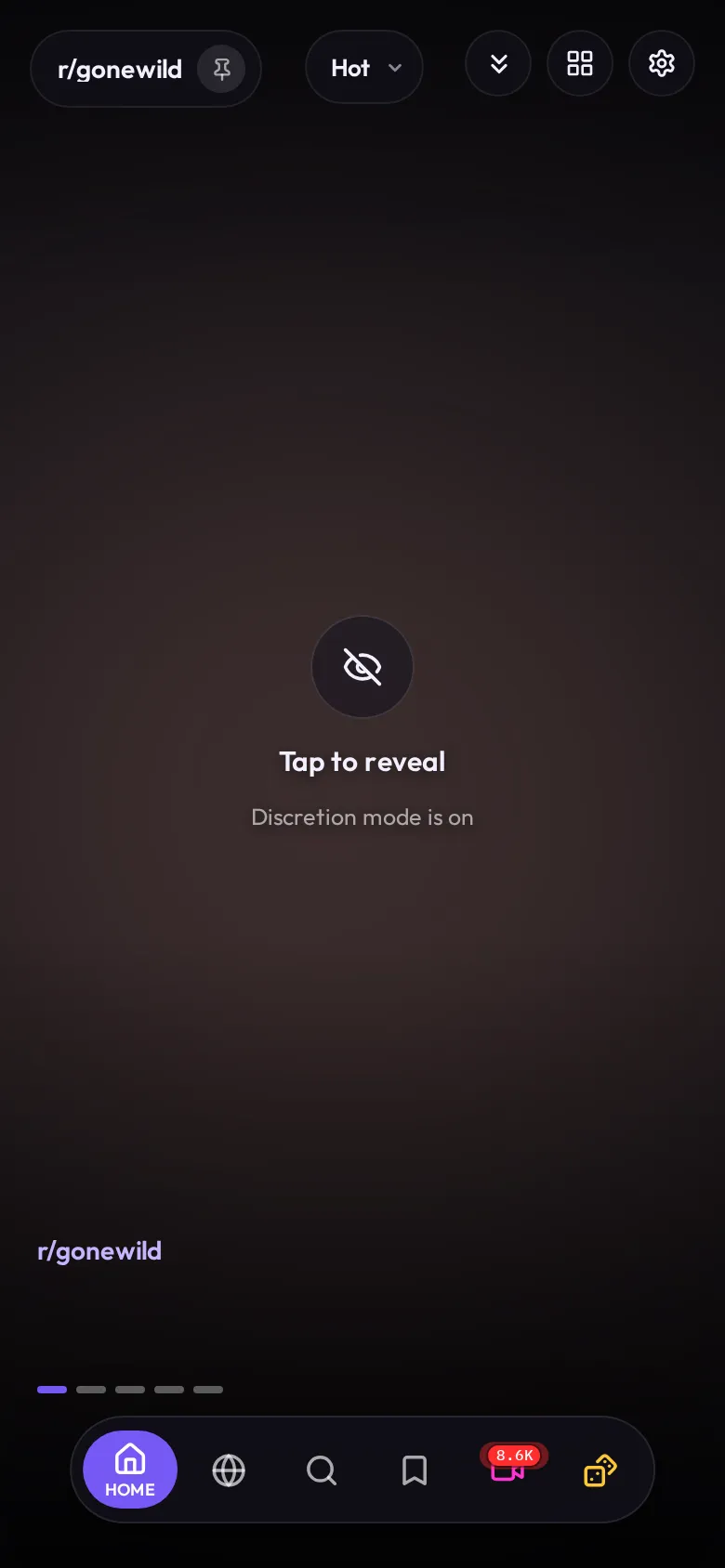 A single-subreddit feed at /r/gonewild. Discretion Mode is on, and the dots mark a gallery post.
2. Switch with search. Tap the magnifier in the bottom bar and type any subreddit name. Pick a result and its feed opens.
3. Use a category when you don't want to choose. Tap the globe icon (Explore) to see all categories. Each one combines a set of related subreddits into one feed, so a Cosplay & Alt/Goth feed draws from 12 subreddits at once. Long-press a category card to star it, hide it or edit which subreddits it uses.
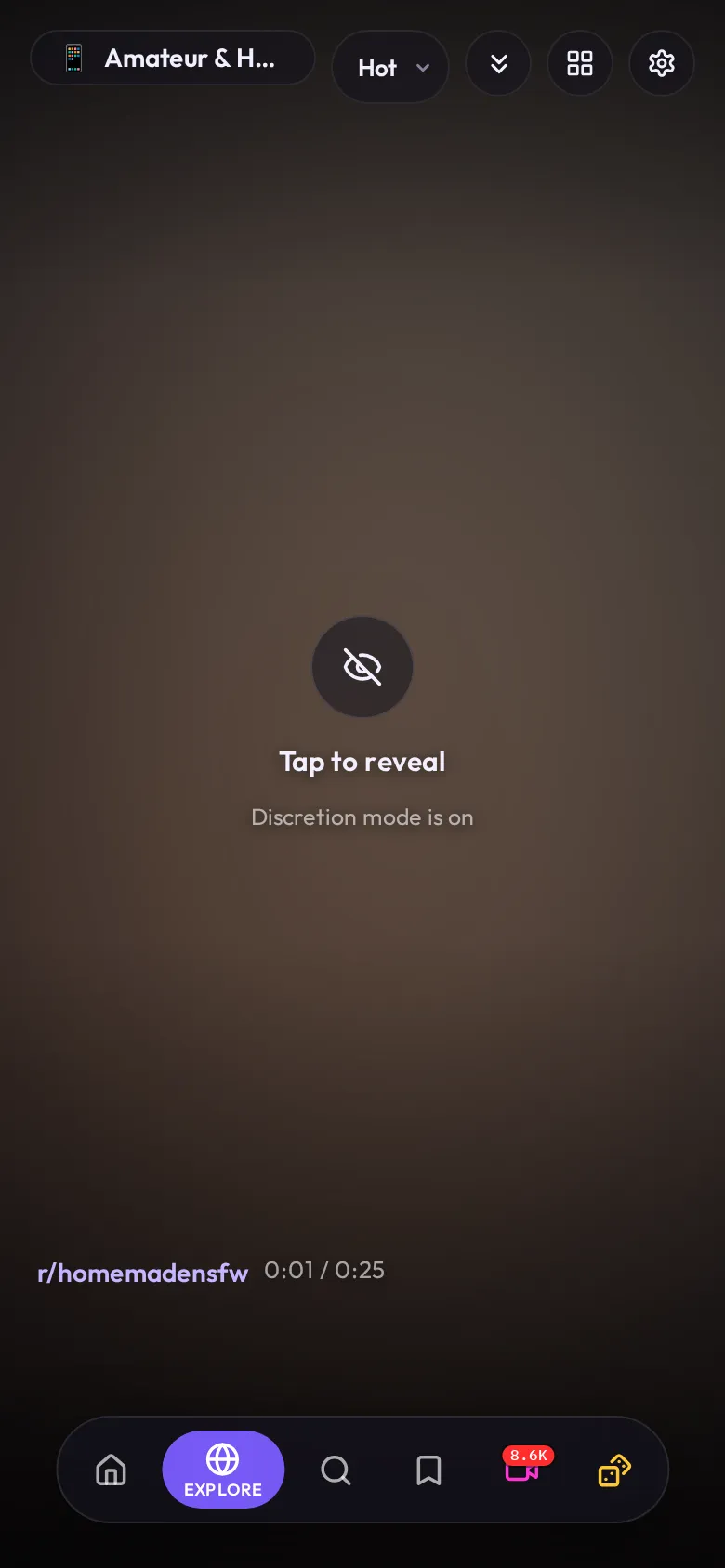 The Amateur & Homemade category feed. The label under the post shows which subreddit it came from.
4. Watch several feeds at once. Open multi-view and pick a source for each pane: a category, a subreddit or a mix. A phone shows two panes stacked, or a "1+2" layout. A desktop goes up to a 3×3 grid. Tap "Save" to keep the layout.
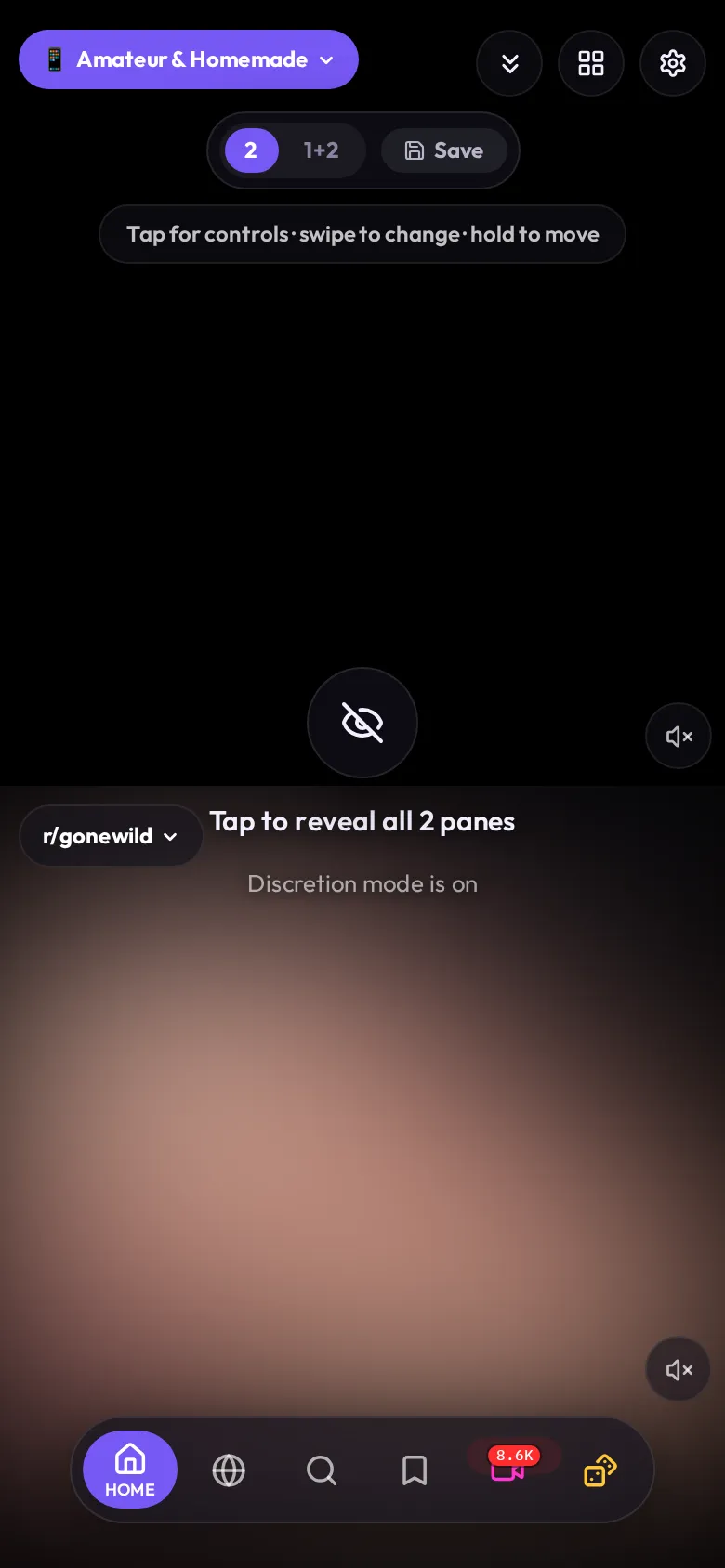 Multi-view with two panes: a category on top, a single subreddit below.
5. Add it to your home screen. In Safari tap Share → Add to Home Screen. In Chrome tap ⋮ → Add to Home screen (or Install app). Reddclips then opens full screen like an app, with nothing installed from an app store. Two settings are worth a look: Discretion Mode blurs everything until you tap, and Hide Seen & Duplicates skips posts you've already watched and reposts of the same video.
For ideas on where to start, see our list of the best NSFW subreddits.
Viewer vs. Scroller vs. Slideshow
Each word describes a different way of moving through posts:
- Viewer: the general term. Anything that shows Reddit media better than Reddit does: full-screen feeds, galleries, cleaner players.
- Scroller: an endless vertical feed you move through with your thumb, TikTok style. This is the layout most people want on a phone, and it's how Reddclips works.
- Slideshow: posts advance sideways, often on a timer, so you can sit back and watch. It suits a desktop or a TV. Presentation Mode for Reddit is the main one left.
If you browse on a phone, look for a scroller. If you want something running on a second screen, look for a slideshow.
Why Reddit's Own App Makes This Awkward
Reddit allows NSFW communities, and its own help pages list the steps you need before you see one in 2026:
- You need an account and a setting. Reddit's "How do I view NSFW communities?" page starts with "Log in and go to your Settings," then: "Under the Preferences tab, toggle Show mature (18+) content to on."
- On iPhone, you can't change it in the app. The same page says: "In order to comply with Apple Guidelines, the settings to manage NSFW content are managed through our desktop site." You change it in a browser, then "restart the app."
- Blurring is another toggle. Reddit offers "Blur mature (18+) images and media", and with it on, "NSFW content will still show up in your feed, but it will be blurred until you tap to reveal the content."
- Age checks depend on where you are. Reddit's age page says "you'll be asked to login to access certain features and content based on your verified or predicted age." For the UK, Reddit's Online Safety Act page says it "will ask for your birthdate when you attempt to access mature (NSFW) or restricted content," with verification through an Apple account or Persona (selfie or ID).
After all that, Reddit still shows NSFW posts in its standard card feed.
Privacy Basics While Browsing
A viewer controls how the media looks on your screen. Your browser history, your notifications and your network are separate, and these habits cover them:
- Use a private window or a separate browser for NSFW browsing, so it stays out of your main history and autofill. Our guide to the best browsers for NSFW browsing compares the options.
- Turn on Discretion Mode in Reddclips if people can see your screen. It blurs every post until you tap, and can also blur when the window loses focus.
- Hide notification previews for any app you use for adult content. There's more on phones in our roundup of the best NSFW apps.
- Consider a VPN if you don't want your internet provider or network admin to see which sites you visit. One option is Proton VPN (affiliate link).
For the full checklist, read how to watch porn safely and privately.
FAQ
Is there a Reddit NSFW viewer without an account?
Yes. Reddclips needs no account or sign-up: open reddclips.com or any /r/ subreddit link and start scrolling. On Reddit itself, the steps for viewing NSFW communities start with logging in, and Old Reddit has required a login since July 2026.
What's the best NSFW scroller for Reddit?
On a phone, the best NSFW scroller is one that gives each post the full screen and lets you swipe up to the next one. Reddclips is built for that and runs in any mobile browser. On Android, Infinity for Reddit is a capable full Reddit client, but logging in needs a subscription.
Is there still a Reddit NSFW slideshow?
redditp.com has shut down and now only shows archived posts. Its maintainer moved it to a browser extension, Presentation Mode for Reddit, for Chrome and Firefox. It plays any Reddit listing as a full-screen slideshow while you're logged in to Reddit.
Can I view a specific subreddit like r/gonewild in a viewer?
Yes. In Reddclips, put the subreddit name after /r/, for example reddclips.com/r/gonewild. It works the same way for any other subreddit.
Why can't I see NSFW posts in the Reddit app on my iPhone?
Reddit says the NSFW toggles were removed from its iOS app "due to Apple requirements." Log in at reddit.com in a browser, turn on "Show NSFW Content (18+)", then restart the app. Depending on where you live, Reddit may also ask you to verify your age.
Can I browse several NSFW subreddits in one feed?
Yes. Reddclips categories combine related subreddits into one feed, and you can create your own mix. Multi-view shows separate feeds side by side. On Reddit itself, custom feeds do something similar once you're logged in.